Free 360° Panorama Viewer
Drop your equirectangular .jpg / .png / .webp into the viewer below — runs entirely in your browser. Nothing is uploaded.
360 image viewer, 360 photo viewer or pano viewer: one browser tool
Whatever you call it, the file is the same 2:1 equirectangular image. This one opens it with Photo Sphere Viewer in your browser: no upload, no plugin, no app.
No upload required
Your files never leave the browser. The viewer creates a local Blob URL and renders the sphere entirely on your device. Close the tab and the file is gone — no server ever sees it.
Equirectangular image support
Works with standard 2:1 equirectangular panoramas from cameras like Ricoh Theta and Insta360, as well as AI-generated outputs. Don't have one yet? Generate one from a prompt.
Photo Sphere Viewer engine
Built on Photo Sphere Viewer and Three.js, with spherical mapping and WebGL rendering. The viewer displays your image without correcting its projection or modifying its pixels.
Drag, zoom & fullscreen
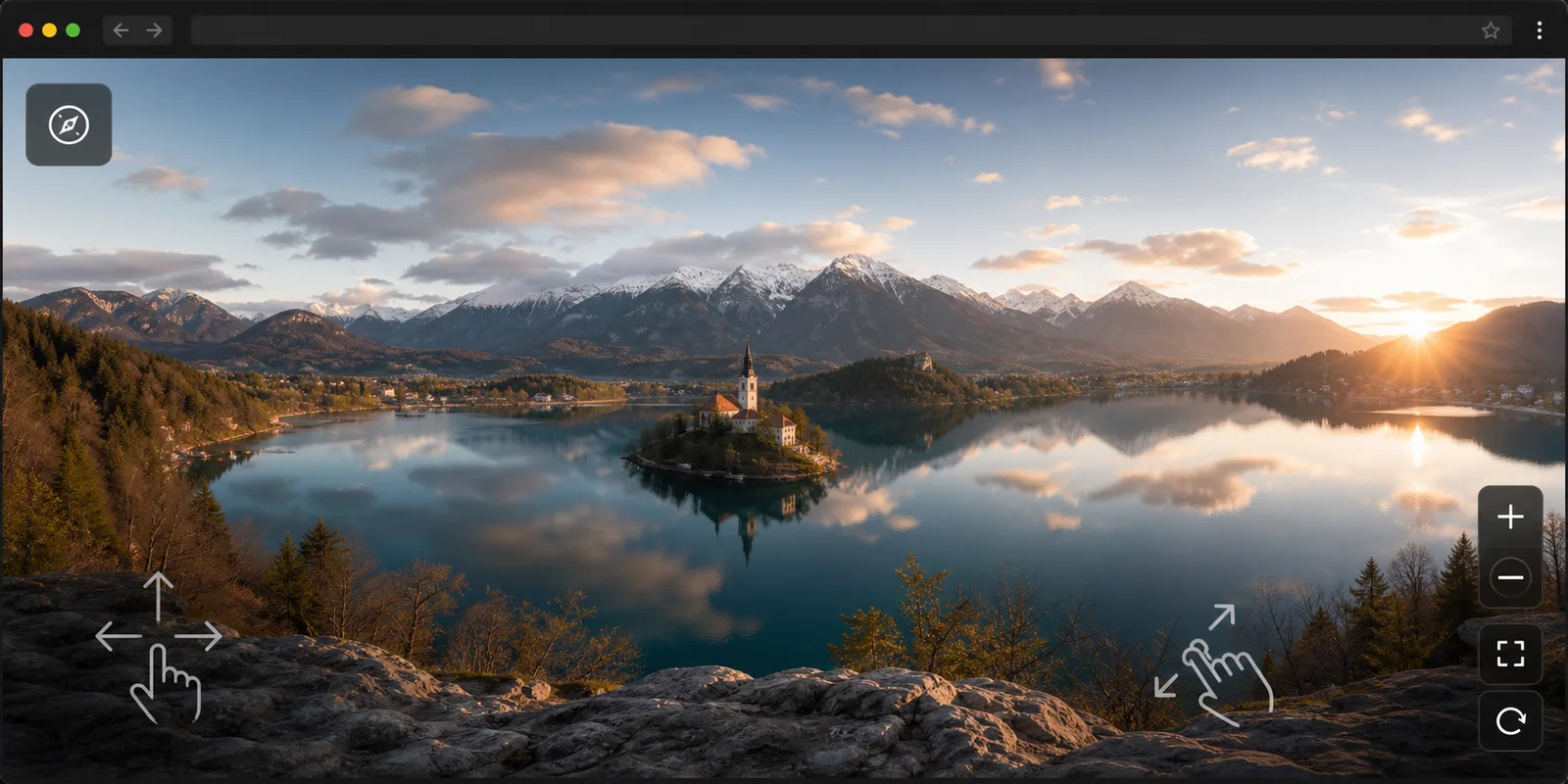
Click and drag to look around in any direction. Scroll to zoom in or out. Press F to enter fullscreen for an immersive view. Keyboard arrow keys also work for precise navigation.
Mobile browser friendly
Open the viewer on a phone or tablet, then drag with your finger to inspect the sphere. It works in modern mobile browsers without an app install. Convert a photo to 360° if your image isn't equirectangular yet.
Free
The viewer is free — no credits, no account, no watermarks. Want to create panoramas from text or photos instead of just viewing them? Check out the AI panorama generator or photo-to-360 converter.
Built-In 360 Image Checker
Not sure if your file is a real 360 photo? Drop it in and the built-in 360 image checker runs a quick 360 photo test: it reads the resolution tier, verifies the 2:1 equirectangular aspect ratio, and scans for GPano XMP metadata — the tag photo apps use to auto-detect panoramas. If the aspect ratio is off, the sphere view will look stretched; if the metadata is missing, some platforms will show your panorama as a flat image. Either way, you will see exactly what to fix before you publish.
This viewer vs Pannellum vs Google Street View
Three ways to look at a 360° image. When to use which.
This viewer is for quick local previews — you have an equirectangular file, you want to look around in seconds, no install, no upload, complete privacy. Pannellum is a self-hosted JavaScript library for developers who want to embed an interactive viewer inside their own webpage, add hotspots, and customize the UI. Google Street View requires uploading your image to Google's servers and linking it to GPS coordinates. For privacy-first, one-shot viewing where your file never leaves your device: use this tool.
360° panorama viewer in real-world use
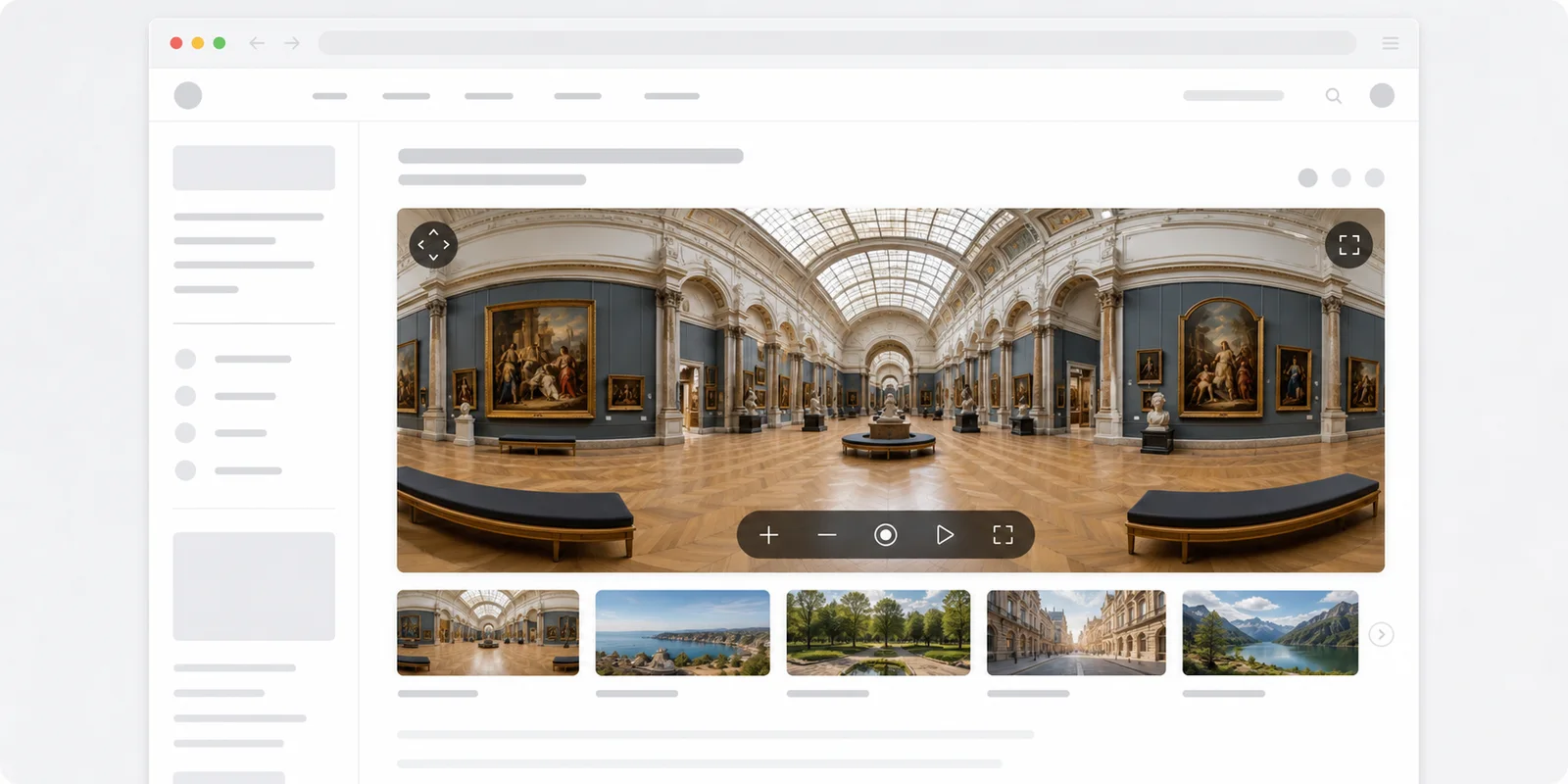
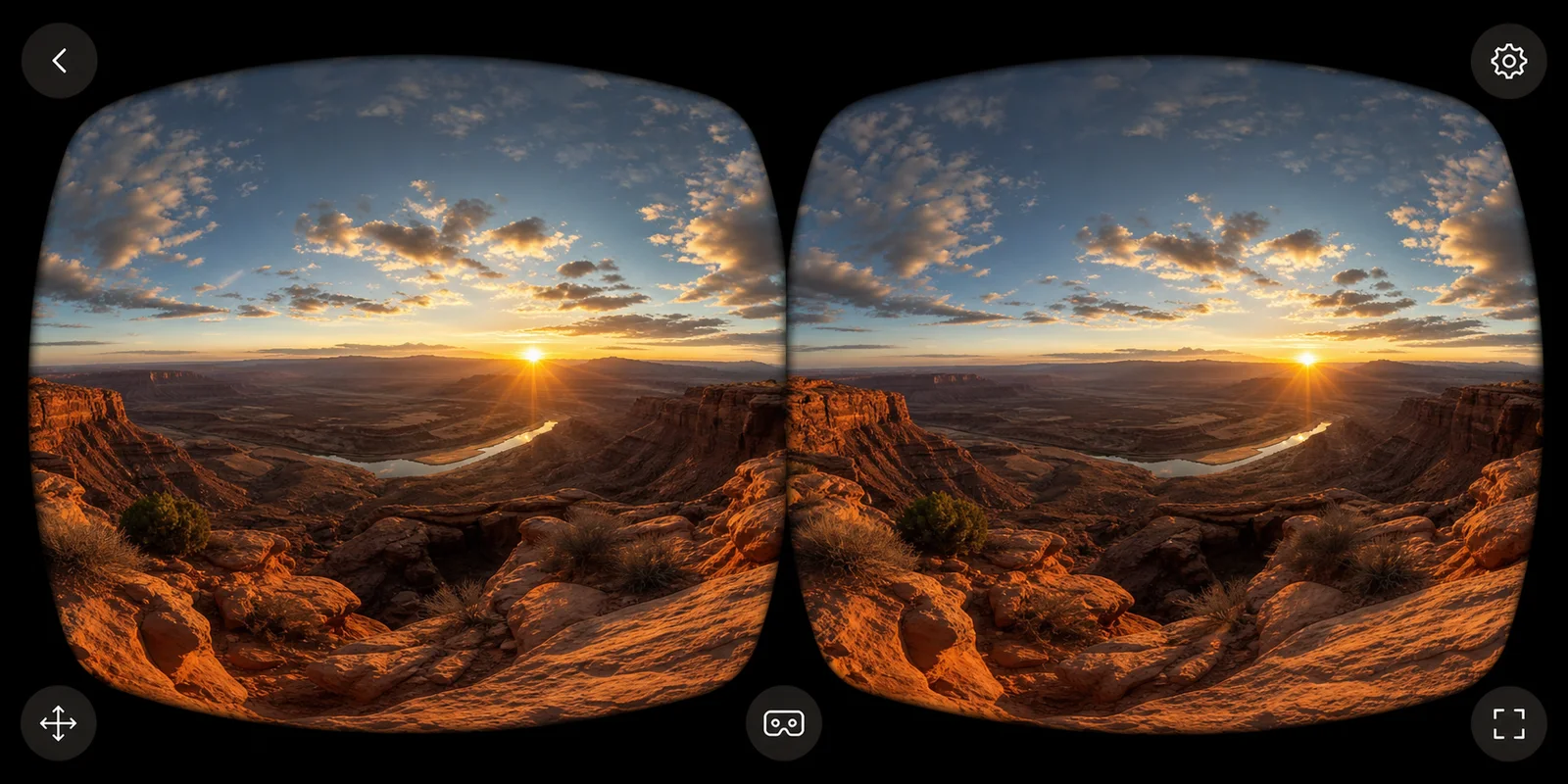
Drag-to-pan, embed, and WebXR — runs in every modern browser.
How to view a 360 image online, no app needed
Four steps from drag-and-drop to full sphere view.
Drop your equirectangular image
Drag a 2:1 .jpg, .png, or .webp into the viewer above. The file stays in your browser — nothing is uploaded to any server.
Click and drag to look around
Pan in any direction by clicking and dragging. Scroll to zoom in or out. Press F for fullscreen mode for a fully immersive view.
Verify the projection
Check that the source is a true 2:1 equirectangular image. A matching aspect ratio alone is not enough: a fisheye or cylindrical image will still look distorted. The Photo to 360° converter can generate a new panorama from a reference photo; it does not automatically repair the original projection.
Share or embed
Need a hosted version with a public shareable link? Generate a fresh panorama with the AI generator — every result gets a public gallery page you can share.
The viewer is free — plans are for the generator
Want to create 360° panoramas, not just view them? Start from a prompt, convert a photo, or export an HDRI environment map.
360° panorama viewer — frequently asked questions
What is an equirectangular image?
An equirectangular image is a panoramic photo or rendering stored in a 2:1 aspect ratio (e.g., 4096×2048 pixels) where latitude and longitude map linearly to the image's y and x axes. It's the standard format for 360° panoramas — cameras like Ricoh Theta and Insta360 output it natively, and most AI panorama generators produce it as well. When mapped onto a sphere, it creates a seamless 360° environment. For an in-depth explainer of the format, see What is an equirectangular image?.
Why doesn't my image look spherical?
Check that the source is a true 2:1 equirectangular image. A matching aspect ratio alone is not enough: a fisheye or cylindrical image will still look distorted. The Photo to 360° converter can generate a new panorama from a reference photo; it does not automatically repair the original projection.
Are my files uploaded anywhere?
No. The viewer is fully client-side. When you drag a file in, the browser creates a local Blob URL in memory and passes it directly to the Three.js renderer. Nothing leaves your device. Closing the tab discards the blob entirely. There is no server receiving your image — not even for analytics.
Does it work on mobile?
Yes — the 360 panorama viewer works in modern mobile browsers: tap the upload area, pick the panorama from your gallery, drag with one finger to look around and pinch with two fingers to zoom. A 2:1 image looks best.
What file formats and sizes are supported?
The 360 panorama viewer accepts .jpg, .jpeg, .png, and .webp files. Files above ~50 MB may slow down the in-browser renderer on lower-end devices. The recommended sweet spot is a 4096×2048 .jpg (usually 5–15 MB). PNG files at the same resolution can reach 30 MB — still workable, but slower to parse.
Can I generate 360° panoramas here too?
This page is the viewer only — it lets you look at images you already have. To create a new 360° panorama from a text prompt, go to the AI text-to-panorama generator. To convert a regular photo into a 360° equirectangular image, use the Photo to 360° converter. Want to turn that panorama into a shareable clip instead? The 360 Photo to Video Converter turns the same equirectangular photo into a downloadable rotating video.
What is Photo Sphere Viewer and why does this use it?
Photo Sphere Viewer (PSV) is an open-source JavaScript library built on Three.js that renders equirectangular images as interactive spheres in the browser. It's the engine powering this 360 panorama viewer — handling sphere geometry, camera controls, zoom, fullscreen, and smooth WebGL rendering.
Can I use this to check AI-generated panoramas before sharing?
Yes — this is one of the most common use cases for the 360 panorama viewer. After generating a panorama with the AI generator, download the equirectangular file and drag it in here to inspect pole quality, seam alignment, and overall spherical coherence before publishing or embedding it anywhere.
How do I view a 360 photo online without installing an app?
Drag the image file onto this page (or click the upload area to browse). The 360 photo viewer runs entirely in your browser — nothing is uploaded to a server — and it works on both desktop and mobile. JPG, PNG, and WebP equirectangular images up to 50 MB are supported.
Can I use this as a 360 render viewer for V-Ray, Corona or Enscape output?
A 360 render viewer is a panorama viewer pointed at an architectural rendering, so yes: drop the equirectangular output from V-Ray, Corona, Enscape, Lumion or Blender here and check the sphere before you send a client link. Nothing is uploaded, so unreleased renders stay private.
Is this 360 panorama viewer free?
Yes — the pano viewer is free and unlimited, no account required. If you want to create panoramas rather than just view them, try the Text to Panorama AI or Photo to 360° Converter.
Why is my 360 photo not working on Facebook?
Facebook shows a 360 photo as a flat image when its GPano XMP metadata is missing or was stripped by an editor. Drop the file in here to check its metadata, and see our Facebook 360 photo fix guide for the full repair steps. To add the missing tag, use the 360 Metadata Injector.
What aspect ratio does an equirectangular 360 photo need?
An equirectangular 360 photo needs an exact 2:1 aspect ratio, such as 4096 × 2048. Other ratios get stretched over the sphere. If your source image is not 2:1, the Photo to 360° Converter can generate a compliant panorama from it.
How can I test if an image is a real 360 photo?
The built-in 360 image checker reports the image's resolution tier, whether the aspect ratio is 2:1 equirectangular, and whether GPano XMP metadata is present. Drag your file into the viewer above to run it.
What is a 360° panorama viewer?
Also called a 360 degree viewer, a pano viewer or a panorama view tool, a 360° panorama viewer wraps a 2:1 equirectangular image around a virtual sphere and lets you look in any direction. Without it, the panorama is just a stretched-looking horizontal image — the projection only makes sense once it's mapped onto a sphere. This viewer accepts the common single-file equirectangular format used by most 360° cameras and AI panorama generators.
Supported file formats
| Format | Recommended max size | Typical source |
|---|---|---|
| .jpg / .jpeg | 4096×2048, ~10MB | Most cameras + AI generators |
| .png | 4096×2048, ~30MB | Lossless masters; AI tools that emit alpha |
| .webp | 4096×2048, ~5MB | Modern web compression; smaller files |
Files above 50 MB are rejected by the uploader to keep the in-browser viewer responsive. The full image stays on your device — nothing is uploaded to a server.
Why use a viewer instead of opening the file directly?
Browsers can show the image, but they don't know it's a spherical projection. You see a flat, distorted strip with a stretched sky and floor. A 360 image viewer (this one runs Photo Sphere Viewer on top of Three.js) wraps the texture around a sphere mesh, projects it through a perspective camera, and lets you drag, zoom, and fullscreen the panorama naturally. It also works as a 360 render viewer for archviz: check 2:1 spherical renders from V-Ray, Corona or Enscape here.
For developers: embedding with Pannellum or Marzipano
Pannellum and Marzipano are open-source JavaScript libraries designed for self-hosted embedding: you include a script tag, point it at a hosted image URL, and the viewer renders inside your own page — you control the markup, hotspots, and styling. This requires a server to host the image and a deployment to serve the script. Marzipano is similar but adds tiled multiresolution support for very large panoramas. This web app, by contrast, is a zero-install viewer for one-shot local inspection: no server, no deployment, no image hosting. The file never leaves the device. If your goal is to build a 360° viewer into your own website or app, Pannellum or Marzipano (or Photo Sphere Viewer, which powers this tool) are the right choice. If your goal is to quickly check whether a panorama file looks correct before uploading it anywhere, this tool is faster.
Don't have a panorama yet?
We make those too. Generate one from a text prompt, or convert a single photo into a fully spherical 360° image. For 3D rendering pipelines, the AI HDRI Generator exports a Radiance .hdr file ready for Blender, Unreal, or Unity.
Want to go further? Try the Map to Globe tool to wrap any map or photo onto an interactive spinning 3D globe — a different experience from the flat equirectangular viewer above.
Building the equirectangular images you view here into an app, game, or automation pipeline? The Panorama API generates the same 360° panoramas with a single REST call, so you can skip the browser UI entirely.
Have six cube faces instead of one equirectangular file? The Cubemap to Equirectangular Converter stitches them back into the single 2:1 panorama this viewer expects.
Selling a physical product rather than a place? The AI 360 Product Video Generator spins one product photo into a short 360° turntable video for Shopify and Amazon listings.
Share & embed a 360° panorama online
How is my image stored?
It isn't. The uploader creates a local browser blob URL and feeds it to the sphere shader. Closing the tab discards the blob. The file never leaves your device.
Can I share what I'm viewing?
This viewer is local-only with no share button — your file never leaves the browser, so there's nothing to hand off. To get a public link you can send to someone else, generate the panorama with our AI tool instead: every successful generation adds a Share button that opens a public gallery page. Want to embed a viewer on your own site? See the Pannellum and Marzipano section above.
What resolution should I use?
2048×1024 loads fast and looks great on a phone or laptop. 4096×2048 is the sweet spot for desktop monitors and VR headsets. Going beyond 8K rarely pays off — Three.js textures cap at 8192 on most GPUs.
My panorama looks distorted at the top and bottom — why?
The viewer expects a true 2:1 equirectangular image. Detail near the poles can look stretched in the flat source, and AI output may contain artifacts. Check the spherical preview. To create a new panorama from a reference, use the photo converter; it does not automatically fix the original poles.
Can I embed this viewer on my own site?
Not yet — embed support is on the roadmap. For now, see Pannellum (opens in new tab) for an open-source library you can drop into your page.