AI HDRI Generator
Generate 360° equirectangular HDRI environments from text and download them as Radiance .hdr for Blender, Unreal, and Unity. The pixels come from an 8-bit image, so the file gives you a backdrop and soft ambient light, not a sun that casts hard shadows.
AI HDRI for Blender, Unreal, Unity
Generate 360° equirectangular environment maps and export as Radiance .hdr — drops straight into your 3D pipeline.
Text → equirectangular
Describe a lighting environment and get a 4K (3840×1920) equirectangular panorama in seconds. Works for any scene you can imagine — studio setups, sci-fi interiors, overcast skies. Try the AI panorama generator for general scenes.
Radiance .hdr export
Download a Radiance .hdr file that loads directly as Environment Texture in Blender's Shader Editor, as an HDRIBackdrop actor in Unreal Engine, or via the Skybox/Panoramic shader in Unity. No conversion needed.
Blender / Unreal / Unity ready
Output is a standard 2:1 equirectangular image packed in RGBE Radiance format. Drop it into any 3D app that supports IBL — Blender, Unreal, Unity HDRP, 3ds Max, Cinema 4D, Houdini.
What the .hdr can and cannot do
The source image is 8-bit, so no pixel in the .hdr is brighter than 1.0. That is plenty for a 360° backdrop, matte reflections, and soft image-based lighting. It is not enough for a sun that casts hard shadows or sharp specular highlights: light those with a captured HDRI or a Sun / Directional Light and keep this file as the visible environment.
4K (3840×1920) output
Full 4K equirectangular resolution — the standard sweet spot for IBL and sky backdrop work. Generates fast enough to iterate on lighting descriptions before committing. Need a lower-res preview? Generate and view at 1K first.
Commercial license included
Every generated HDRI comes with a commercial use license — no attribution required, no royalty. Use in client renders, game shipping builds, product visualization, or broadcast production. Convert a real photo to 360° if you need a site-specific environment.
AI HDRI vs captured HDRI vs procedural sky
Three sources for 3D environment lighting. When to use which.
AI HDRI is a fast environment-background and look-dev tool. Because the source is an 8-bit image, the exported .hdr delivers soft, low-contrast image-based lighting with no true sun intensity. Use it for backdrops and scene iteration, and switch to a captured HDRI when the environment itself has to cast hard shadows.
Best for
Imagined studios, sci-fi interiors, product backdrops, concept lighting, and quick Blender/Unreal/Unity look-dev where a measured location does not exist.
Use another source when
Use a captured HDRI when you need hard sun shadows, bright specular highlights, or physically accurate exposure. Use a procedural sky system when you need a controllable sun position and time of day.
Typical workflow
Generate the equirectangular map, preview the sphere, export Radiance .hdr, and test it in your DCC. If the scene needs a key light, add a Sun or Directional Light aligned with the brightest spot in the map, or swap in a captured HDRI for final physical lighting.
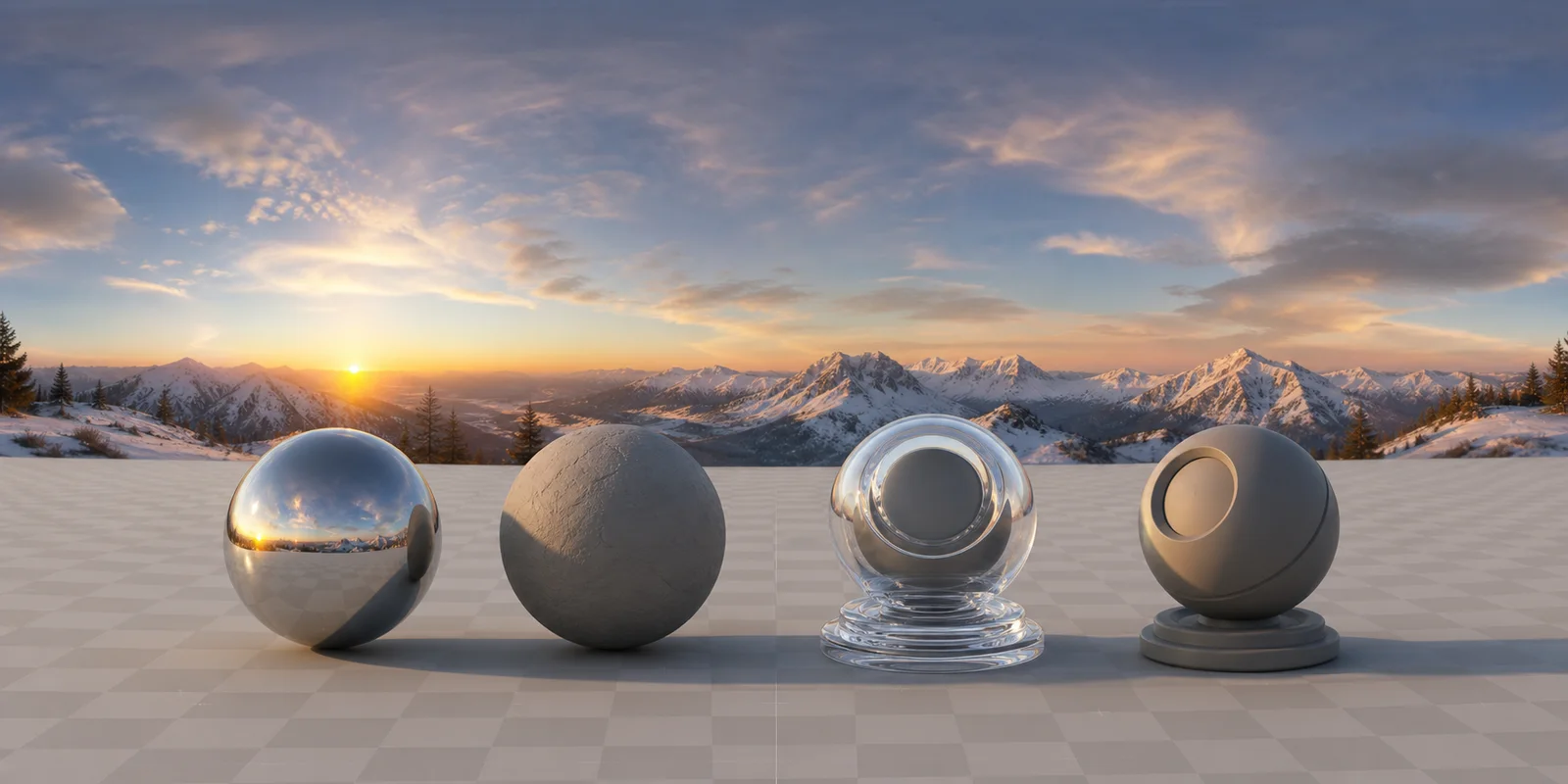
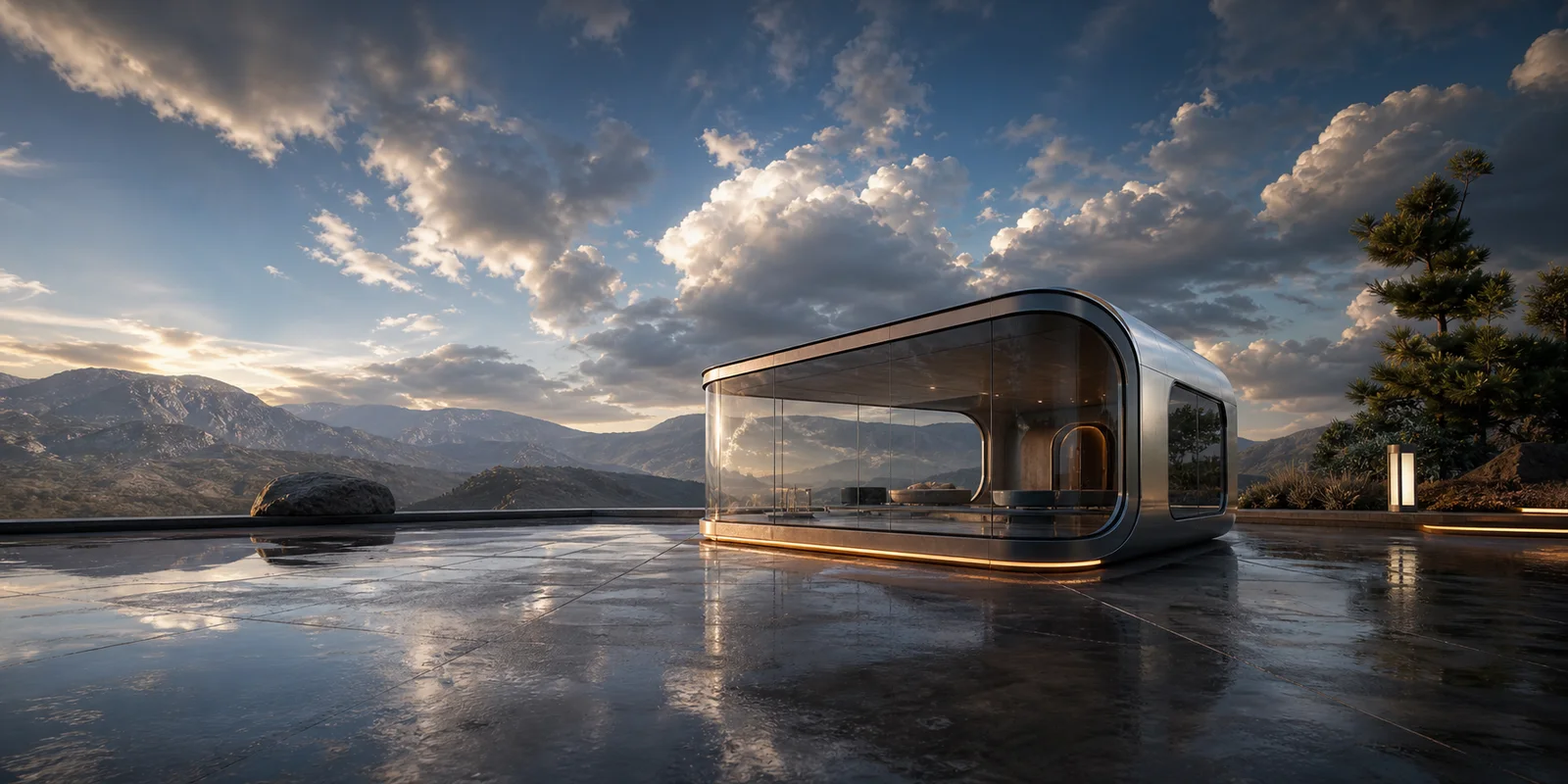
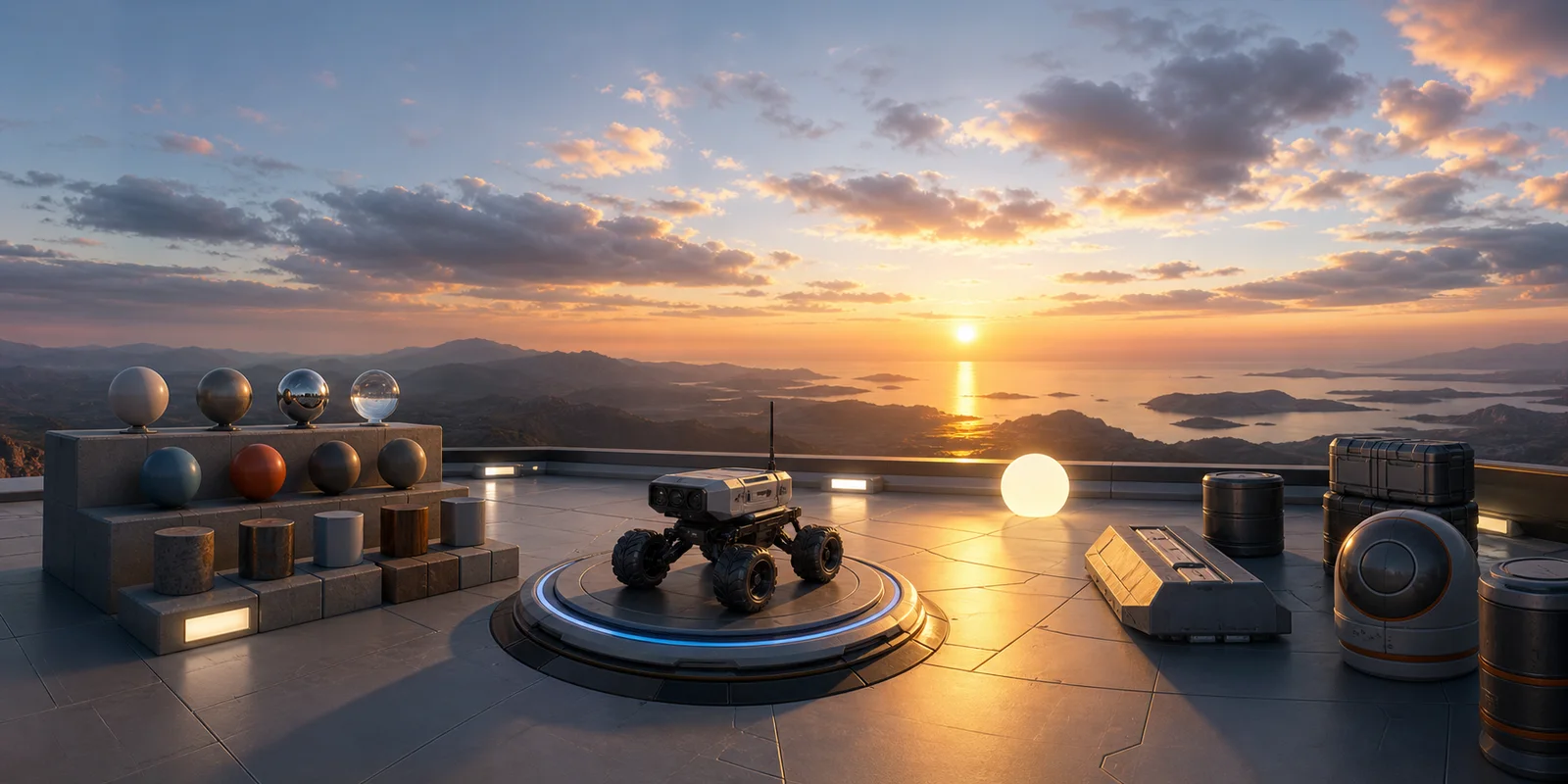
AI HDRI environment maps in real DCC tools
Generated 2:1 equirectangular maps used as IBL lighting in Blender, Unreal, and Unity.
How AI HDRI generation works
Four steps from a lighting description to a .hdr file in your 3D scene.
Describe the lighting environment
Mention key light direction, color temperature, time of day, and surroundings. Example: "overcast industrial warehouse, ceiling skylights, cool 6500K fill, no direct sun." The AI rewrites your prompt with equirectangular projection hints.
Pick a resolution
The generator defaults to 2K for quick iteration. For final renders switch to 4K (3840×1920) — the standard for IBL work in Blender, Unreal, and Unity. Select 1K for the fastest rough previews.
Generate and preview the sphere
The result loads directly in the embedded 360° viewer. Drag to inspect all directions — check pole quality, seam alignment, and light placement. Refine the prompt and regenerate if needed.
Export as Radiance .hdr
Click Download to save the .hdr. It is a standard Radiance file that every IBL-aware DCC opens, with the generated 8-bit pixels converted to linear values between 0 and 1. See below for the exact wiring in Blender, Unreal, and Unity.
Drop the .hdr into your DCC
Three engines, three ways to wire the same file into your scene.
Blender 4.x
Open Shader Editor → World → Environment Texture → Open and pick the .hdr. The world becomes the IBL source for every PBR material in the scene.
Unreal Engine 5
Drag the .hdr into Content Browser, set Compression to HDR(RGB, no sRGB), then drop an HDRIBackdrop actor into the level and assign the texture.
Unity / HDRP
Assign to a Skybox/Panoramic shader material, or in HDRP add a Visual Environment to your Volume Profile and set Sky Type to HDRI Sky.
AI HDRI generation — frequently asked questions
Is this a true HDR file with full dynamic range?
The AI HDRI Generator exports a real Radiance .hdr file, but its pixel values come from an 8-bit image and stay within 0 to 1 linear, so it does not contain true high dynamic range. A captured HDRI stores sun and lamp intensities far brighter than white, and that headroom is what produces hard shadows and bright speculars. Ours cannot do that. Use it as a 360° backdrop and for soft ambient light, and light the scene with a captured HDRI or a Sun / Directional Light when the environment has to be the key light.
Will it work in Blender?
Yes — open Shader Editor → switch to World context → add an Environment Texture node → Open → select the .hdr. It loads as a 360° world background and adds soft indirect lighting via the World shader. Because the map carries no sun intensity, add a Sun lamp aligned with the brightest area of the map when you need hard shadows. A Mapping node rotates the environment, Poly Haven style. For the complete Blender / Unreal / Unity setup walk-through, see AI HDRI for Blender, Unreal, and Unity.
Will it work in Unreal Engine?
Yes — drag the .hdr into the Content Browser. In the asset settings set Compression to HDR(RGB,no sRGB) and disable sRGB. Then add an HDRIBackdrop actor to the scene and assign the texture, or use it as the Sky Light source texture for IBL.
Will it work in Unity?
Yes — import the .hdr into your project, then assign it to a Skybox material using the Skybox/Panoramic shader. For HDRP projects use the Visual Environment component → set Sky Type to HDRI Sky → assign the texture.
Why no .exr?
OpenEXR is the industry HDR standard, but an .exr export would carry the same 0 to 1 data as the .hdr, because the source is the same 8-bit image; it would not add dynamic range. Radiance .hdr (RGBE) loads natively in Blender, Unreal, Unity, 3ds Max, and Cinema 4D, which covers nearly every equirectangular environment use case. An .exr option may be added for pipelines that require the format.
Where can I get true captured HDRIs?
For real high-dynamic-range captures with sun and specular highlights, polyhaven.com hosts a large library of free CC0 HDRIs from photographic captures. These are the best choice when physical accuracy for bright sun IBL matters.
Do I need a cubemap or just an equirectangular?
Modern engines (URP/HDRP, UE5, Blender) accept equirectangular directly. Legacy Unity built-in or mobile pipelines often want a cubemap (6 faces). See Skybox Formats Explained for the full decision tree, or convert any panorama to a cubemap in our Cubemap Generator — free, in-browser.
More tools to pair with the AI HDRI generator
- View Your HDRI in 360°
Inspect the panorama behind your HDRI right in the browser.
- Skybox Generator
Game-engine-ready skyboxes from the same pipeline.
- Photo to 360° Converter
Convert a real photo into a 360° panorama.
- HDRI to Cubemap Converter
Turn this HDRI's .hdr file into a 6-face cubemap for engines that need cube faces instead of an equirectangular map.