Photo to 360° Panorama Converter
Convert any photo or image into a 360° equirectangular panorama. Drop 1-3 references; AI rebuilds the scene as a fully spherical view.
Built for AI image-to-360° conversion
Generic image models don't know what equirectangular means. We add the panorama-specific glue.
AI extension from any photo
Upload one regular photo and the AI infers the missing 270°—matching the original lighting, palette, and scene style. No 360° camera hardware required. Works with wide-angle shots, smartphone photos, and renders.
Equirectangular output
Every export is a proper 2:1 equirectangular PNG—the format Ricoh Theta, Insta360, and Photo Sphere Viewer all expect. Drop it straight into the 360° viewer or any VR runtime without re-encoding.
Prompt-guided edge continuity
Our panorama prompt asks the AI model to align the left and right edges. Seam quality depends on the generated image; inspect a full rotation in the viewer before downloading or publishing.
Up to 3 reference images
Drop one photo for style transfer, or stack 2-3 to fuse multiple viewing angles or lighting moods into one coherent panorama. The AI reconciles differences in exposure and colour temperature automatically.
Up to 4K resolution
Pick 1K for fast previews, 2K for web embeds, or 4K (3840×1920) for VR headsets and pro use. All tiers output the same 2:1 equirectangular PNG—only the pixel dimensions change.
Commercial license included
Pro and Pack outputs carry a full commercial license—use them in client projects, real estate listings, product showcases, game environments, or any revenue-generating context without attribution.
AI photo extension vs 360° camera capture
Two paths to a spherical panorama. Here's the short version.
Photo-to-360 is for the common case where you have one regular image, not a full capture. The AI uses that reference to extend the missing view while preserving the original mood, lighting, and palette.
Best for
Old photos, single real estate shots, architectural renders, travel images, and any scene you cannot reshoot with a 360° camera.
Use another tool when
Use Text to Panorama AI if there is no source image. Use a 360° camera for measured virtual tours or documentation.
Typical workflow
Upload 1-3 references, add a short optional prompt for mood or season, generate, then inspect the seam and poles in the embedded viewer.
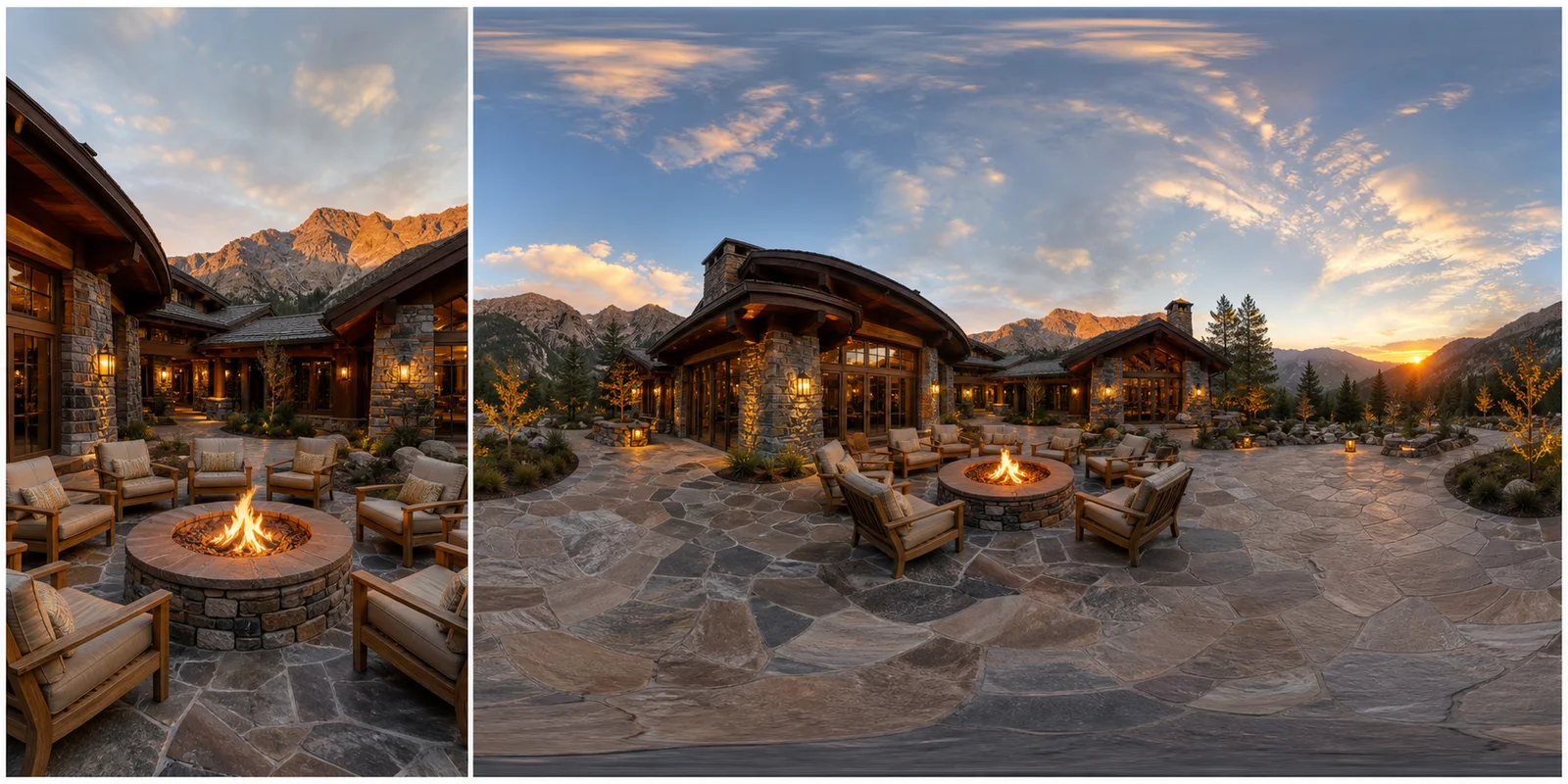
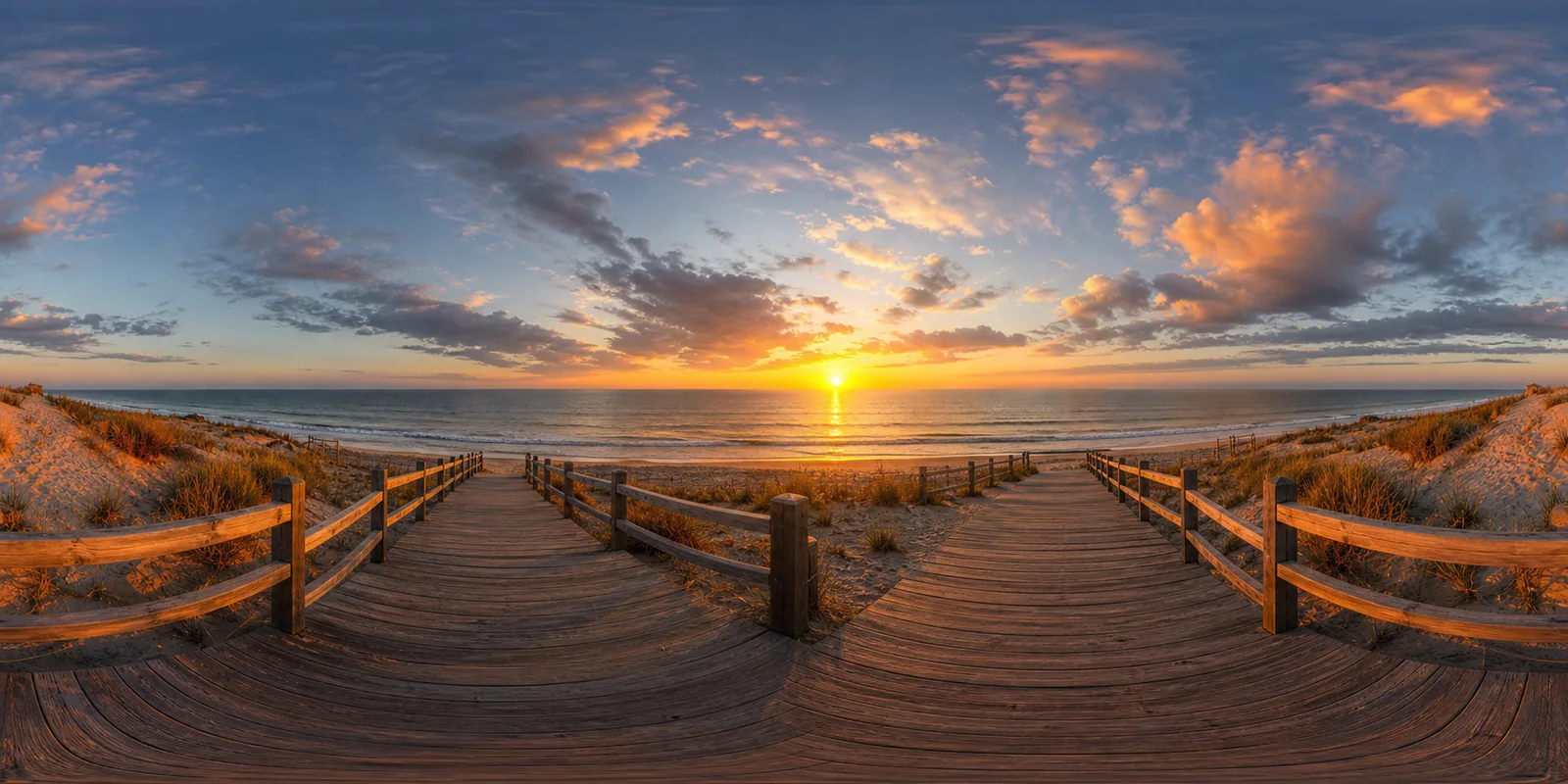
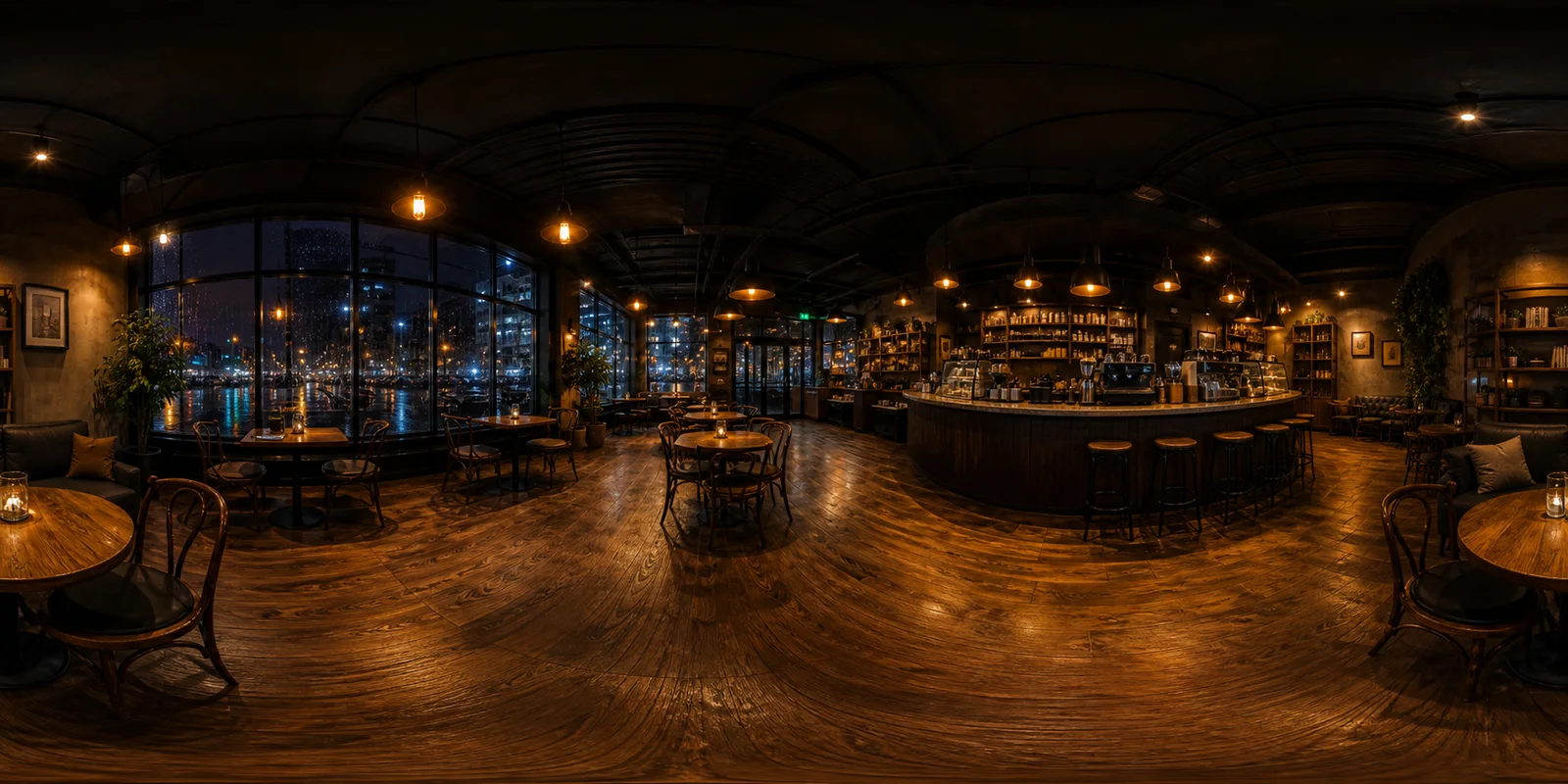
From a flat photo to a full 360° panorama
Real before/after examples — drop into any 360° viewer or VR pipeline.
How photo to 360° conversion works
Four steps from a single photo to a fully spherical panorama. No special hardware or 360° camera required.
Drop 1-3 reference photos
Wide-angle shots work best for photo to 360 conversion—the AI needs background and mid-ground context to infer what surrounds the subject. It fuses style, lighting, and palette across multiple photos to produce one consistent panorama. Smartphone shots, DSLR images, and 3D renders all work.
Tune the prompt (optional)
Add a 10–30 word description to steer the scene direction—mood, time of day, atmosphere, season. This guides the photo to 360 generator when extrapolating the missing 270°. For example, adding "golden-hour light, warm tones, dusty oak shelves" pushes the AI to weight those qualities when filling in the unseen areas. Or use the pre-filled default to let the AI extrapolate purely from your uploaded images without any textual bias.
Hit Generate and track progress
The AI service generates your panorama from the prompt and any reference photos. The page updates the task status while you wait. Generation time varies with resolution and provider load; inspect the seam and poles when the result is ready.
Preview and download
Your photo to 360 result appears in the embedded spherical viewer—drag to look around in all directions before committing to a download. Export as 1K, 2K, or 4K equirectangular PNG, or copy the share or embed link to publish it anywhere.
Photo to 360° conversion — frequently asked questions
What photo works best for conversion?
Wide-angle shots of indoor or outdoor scenes give the AI the most context to extend convincingly. Avoid extreme close-ups—the model needs background and mid-ground to infer what surrounds the subject. Smartphone wide-angle mode, DSLR at 16–24 mm equivalent, and architectural renders all work well. Walk through the full source-photo checklist in Convert a photo to a 360° panorama.
What format do I get?
2048×1024 PNG by default (2K). You can also choose 1K (1024×512) for fast previews or 4K (3840×1920) for VR headsets and professional use. All outputs are 2:1 equirectangular, ready for 360° viewers, Three.js, A-Frame, Unity, Unreal, and other game engines.
Can I upload multiple images?
Yes—drop up to 3 reference photos. The AI fuses their style, lighting, and palette and outputs a single unified 360° panorama. Useful when you have shots from slightly different angles or want to blend indoor and outdoor lighting moods.
What is the difference between "image to 360" and "photo to 360"?
There is none—Google treats them as synonyms. This page handles both: any raster image (photo, render, illustration) can be converted to an equirectangular 360° panorama. Search engines may show this page for either query.
Is this free?
Sign-up grants free trial credits—enough to try a 1K generation. Subscribe to Pro for monthly credits, no watermark, and full commercial usage rights. Pay-as-you-go credit packs are also available starting at $19.9 for 100 credits.
Can I use the output in game engines or web 3D scenes?
Yes — the 2:1 equirectangular PNG maps directly onto a sphere in Unity, Unreal, Three.js, or A-Frame. Import it as a skybox or environment texture without re-encoding.
Will 4K output look sharp on Meta Quest 3 or Apple Vision Pro?
Yes. 4K (3840×1920) is the threshold where lower-resolution panoramas start showing visible pixellation under close inspection in modern VR headsets — Meta Quest 3, Apple Vision Pro, Varjo. For headset playback, render at 4K; for desktop browser embeds, 2K is plenty. If you need a purely synthetic scene rather than a photo extension, use text-to-panorama instead.
Can I post the converted 360° photo to Facebook?
Yes — the converter's output is a standard 2:1 equirectangular image, and once the file carries GPano XMP metadata, Facebook recognizes it as an interactive, draggable 360° photo. If Facebook still shows it flat, add the metadata with the 360° Metadata Injector and see Facebook 360 photo not working for the full fix checklist.
More 360° tools to pair with the photo to 360 converter
- Free Online 360 Image Viewer
Check your converted panorama in the browser before downloading.
- Text to Panorama AI
No source photo? Generate a panorama from a text prompt.
- AI HDRI Generator
Turn your panorama into an HDRI environment map.
- Map to Globe
Wrap a map or photo onto a spinning 3D globe — a different angle on the same image.
- 360 Image Maker
Start from a blank prompt and make a brand-new 360° image.
- 360 Photo to Video Converter
Turn your converted panorama into a downloadable rotating video.
- AI 360 Product Video Generator
Turn one product photo into a 5- to 15-second 360° spin video for your store.