360 Image Maker
Create a 360° image online from a text prompt, a photo, or both — free to start, no 360° camera, no stitching. The AI maker builds a seamless spherical panorama you can preview and download in minutes.
Everything you need to make a 360° image
One maker covers the whole workflow — from a blank prompt to a VR-ready spherical image.
Start from text, photos, or both
Describe the scene, or attach up to 3 reference photos to anchor palette, lighting, and mood. The creator fills in the full sphere around them.
True 360°×180° coverage
Output is a full spherical image — not a wide flat strip. Look up, down, and all the way around without gaps.
Seamless wraparound
The left and right edges blend perfectly, so nothing breaks when the image wraps into a sphere.
Up to 4K resolution
Make 1K drafts to iterate fast, then re-run the final at 2K or 4K (3840×1920) for crisp VR and web viewing.
Built-in 360° preview
Every result opens in an interactive sphere viewer — drag to look around before you download anything.
Commercial license included
Every paid plan and credit pack includes commercial usage rights for every 360° image you make.
Make a 360° image without a 360° camera
How the AI maker compares to shooting and stitching the sphere yourself.
A 360° camera records the scene in front of you — the maker creates a scene that doesn't exist yet. Type what you want to see, or hand it a few reference photos, and the AI paints the whole 360°×180° sphere in one pass: no tripod, no bracketing, no stitching software, no nadir patch to retouch.
That difference changes what you can make. A camera is limited to places you can physically stand; the maker turns out fantasy interiors, concept environments, stylized skies, and impossible vantage points in the same few minutes. Every output is still a standard 2:1 equirectangular PNG, so it drops into the same viewers, engines, and virtual tour software a camera file would.
If you need a faithful record of a real space — a measured virtual tour, site documentation — shoot it with a real camera. For everything you can imagine but can't photograph, make it here.
Best for
Imagined or stylized scenes, VR backdrops, game environments, mood boards, and any 360° view you can't physically shoot.
Use another tool when
One real photo must stay pixel-faithful — that's the Photo to 360° Converter. A real space must be documented accurately — that's a camera job.
Typical workflow
Prompt (plus optional reference photos) → 1K draft → refine the wording → re-run at 2K or 4K → check the seam in the sphere viewer → download the PNG.
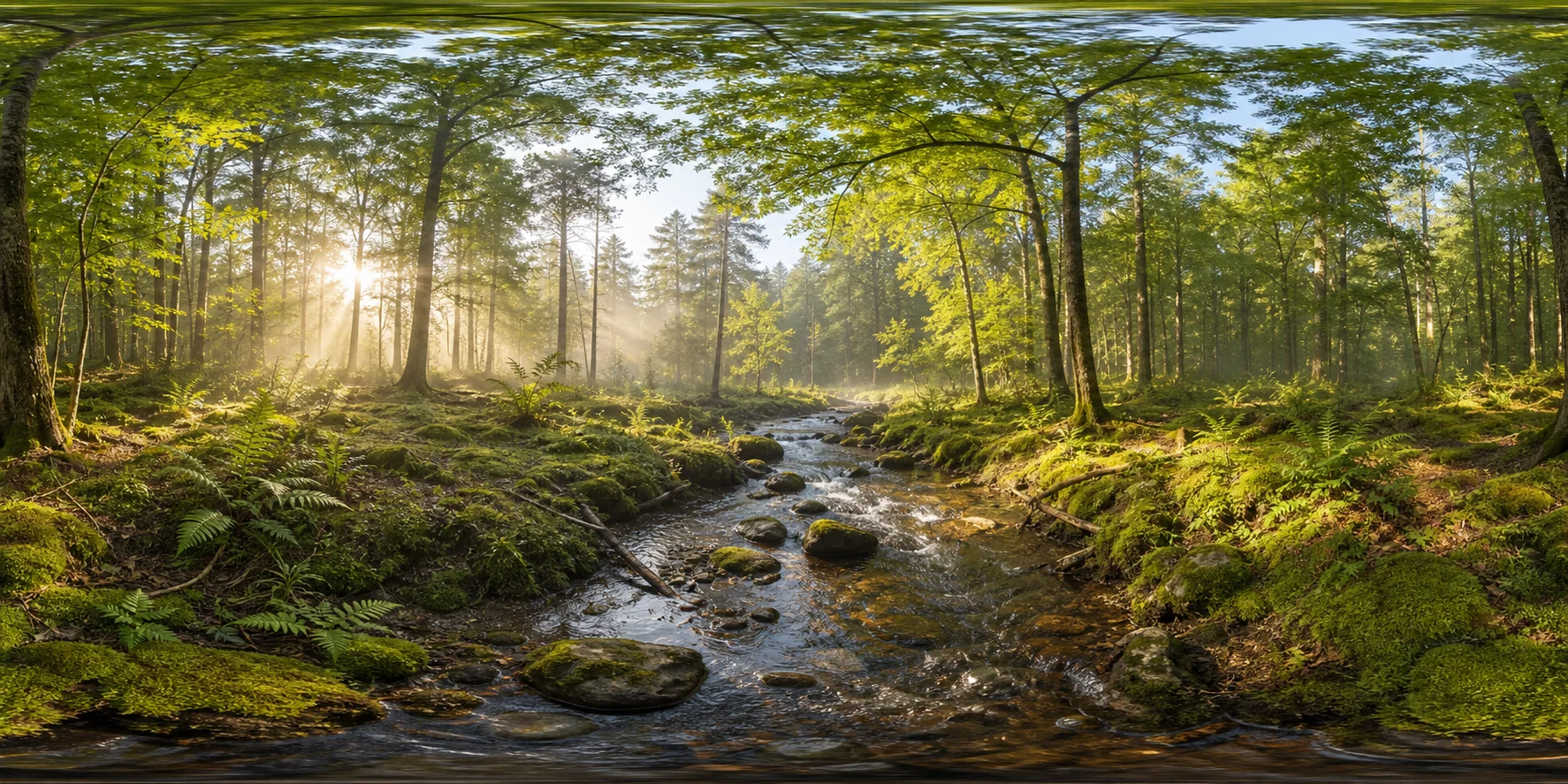
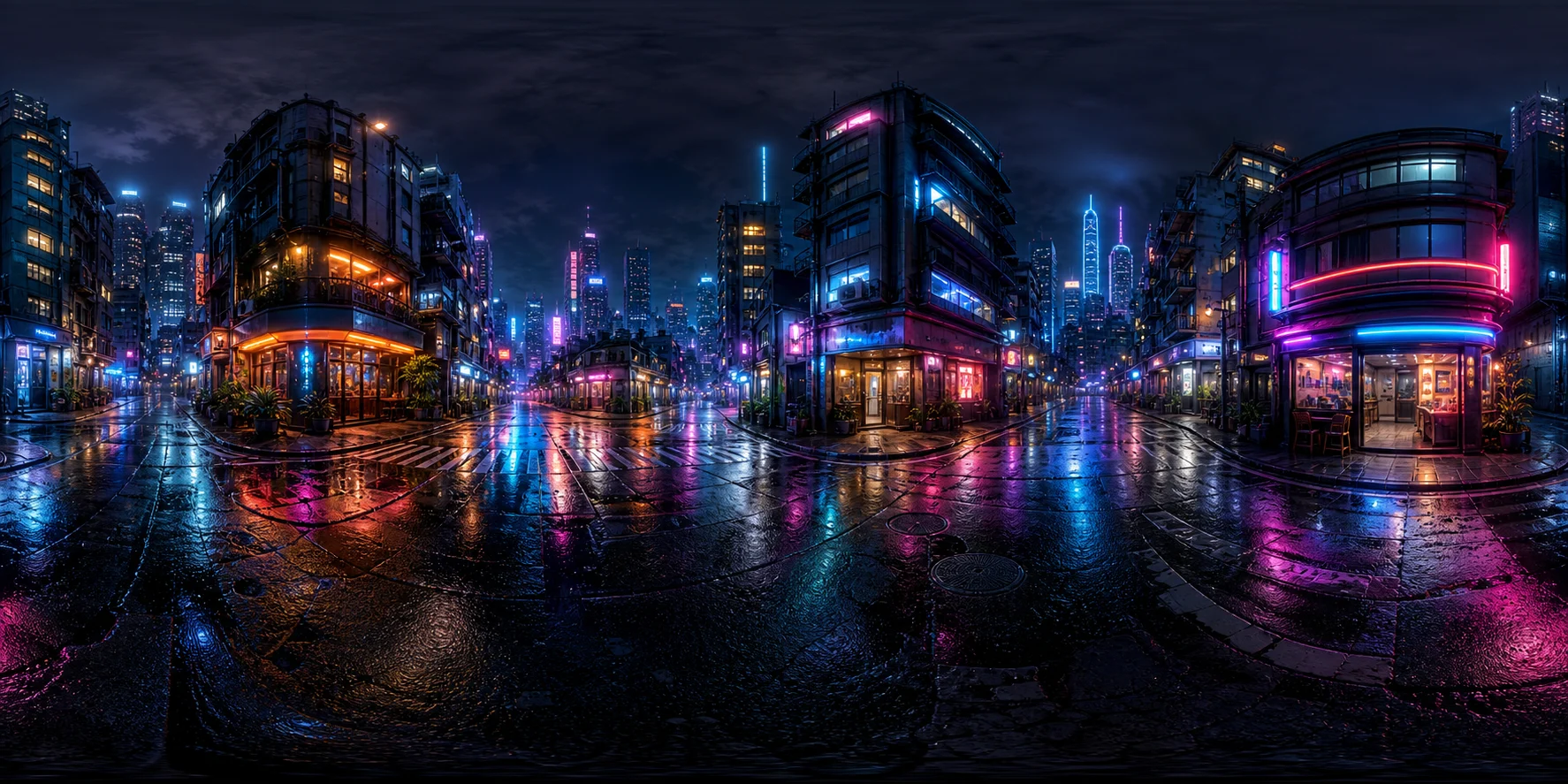
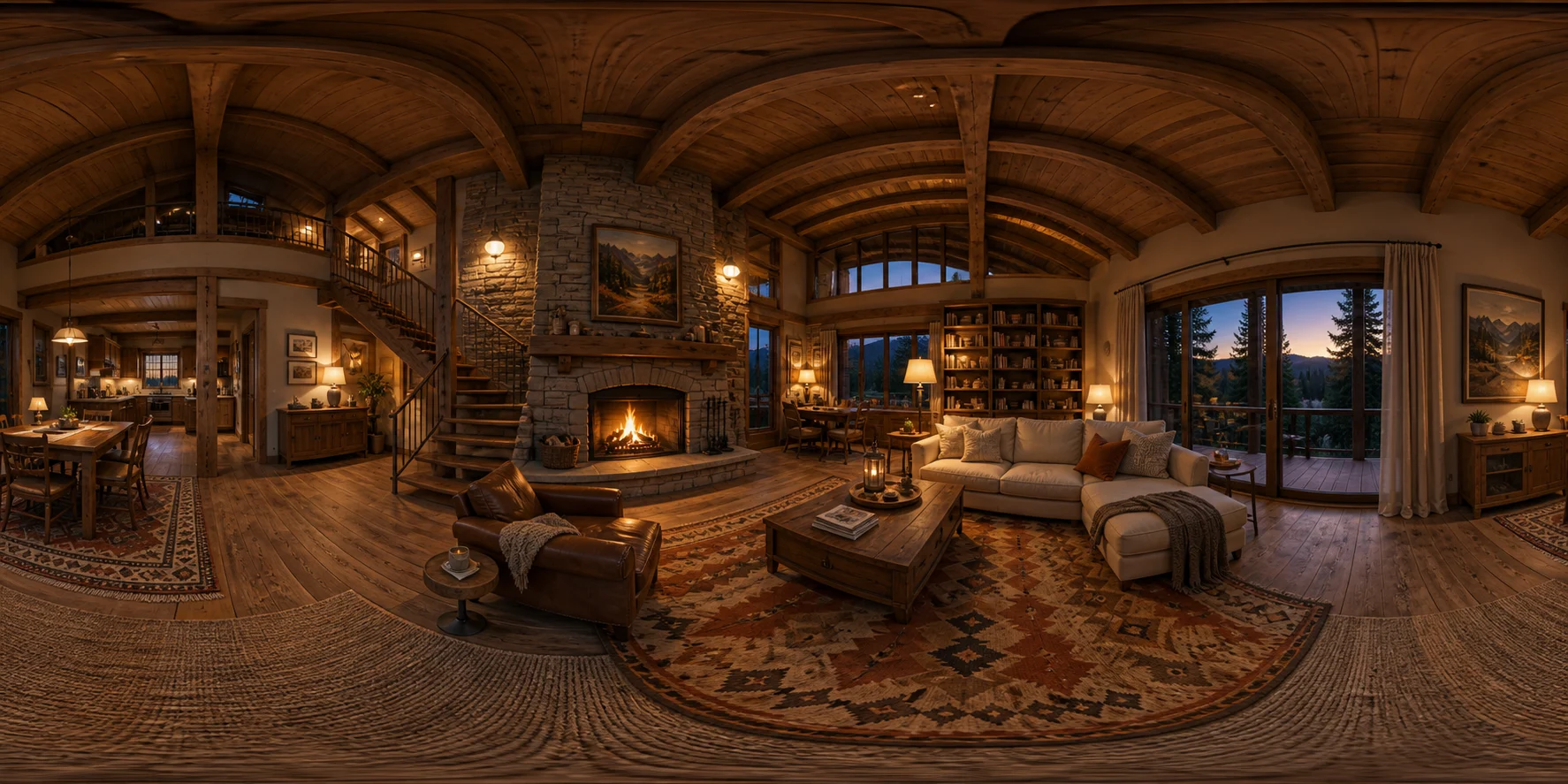
360° images made with this maker
Click any example to spin it in the interactive 360° viewer.
How to make a 360° image online in four steps
From idea to downloadable spherical panorama in a few minutes.
Describe or upload
Type what you want to see — or add 1-3 photos if you have source material worth keeping.
Pick a resolution
1K for quick drafts, 2K or 4K for final output. Higher resolutions cost a few more credits.
Generate
The AI creates a seamless 2:1 equirectangular image, usually in a few minutes with live progress.
Preview and download
Spin the result in the built-in 360° viewer, then download the PNG and use it anywhere.
What can you create with a 360 image maker?
One equirectangular PNG, six very different jobs.
Every image you make here is a standard 2:1 spherical panorama, so the same file works across VR, web, games, and marketing with no conversion step. These are the jobs this 360° image creator handles most:
Virtual tours & real estate
Stage rooms that aren't built or furnished yet, then drop the image into your tour software next to real captures. Ideal for pre-construction listings and concept walkthroughs.
VR & headset scenes
A 4K equirectangular image loads directly in Quest and other headsets as an immersive still — the fastest way to test a VR environment before building it in 3D.
Game skyboxes
Wrap a level in a custom sky. Make the panorama here, then use the Skybox Generator for engine-ready presets or the Cubemap Generator to split it into six faces.
Interactive 360° views for websites
Give a landing page a draggable hero scene. Load the PNG into Three.js, Pannellum, or Photo Sphere Viewer, or share it straight from the 360° Panorama Viewer.
Backdrops & lighting for 3D renders
Use a panorama as the environment behind a product shot or architectural render. Need it to light the scene too? Make a Radiance file with the AI HDRI Generator.
Social & marketing posts
360° stills stand out in feeds and presentations — spin-around venue previews, event teasers, album art, and mood pieces a flat image can't match.
360 image maker — frequently asked questions
How do I make a 360° image without a 360° camera?
You don't need any camera. Type a description of the scene, pick a resolution, and generate — the AI creates the entire 360°×180° sphere from scratch. If you do have a regular photo, attach it and the maker builds the panorama around it.
Can I create a 360° image from a regular photo?
Yes. Attach up to 3 ordinary photos and the maker extends them into a full spherical panorama. If preserving the exact source photo is the priority, use the dedicated Photo to 360° Converter, which is tuned for that job. For a step-by-step walkthrough, read how to make a 360° photo.
What resolution can I make a 360° image in?
1024×512, 2048×1024, or 3840×1920 (4K). All outputs are 2:1 equirectangular PNGs that work in any 360° viewer, VR headset, Three.js scene, or game engine skybox.
Is the 360 image maker free?
Sign up and you get free trial credits — enough to make several 360° images. No credit card required. Paid plans add 4K output, more credits, and a commercial license.
Is there a 360 image maker app to download?
No download needed — the creator runs entirely in your browser on desktop, iPhone, and Android. Generate on your phone, then open the same account on a laptop to grab the full-resolution file.
Can I make an interactive 360° view for my website?
Yes. Download the PNG and load it into any web panorama library (Three.js, Pannellum, Photo Sphere Viewer), or open it in our free 360° panorama viewer and share the link.
What's the difference between making and converting a 360° image?
Making starts from an idea — text, loose reference photos, or both — and creates a new scene. Converting starts from one specific photo you want to keep faithful. This page is the maker; the Photo to 360° Converter is the converter.
Can I use the 360° images I make commercially?
Yes — every paid plan and credit pack includes a commercial license for every image you make, covering client work, marketing, games, and virtual tours. Images made on free trial credits are for personal use and evaluation.
More 360° tools to pair with the 360 image maker
- 360° Panorama Viewer
Preview and share the 360° images you make — free, in the browser.
- Photo to 360° Converter
Keep one source photo faithful and extend it into a full panorama.
- Text to Panorama AI
Prompt-only workflow tuned for pure text-to-360° generation.
- Skybox Generator
Make 360° skyboxes for Unity, Unreal, and WebGL scenes.